DIY Planner Hack: Custom 'If Found, Please Return To' Tutorial
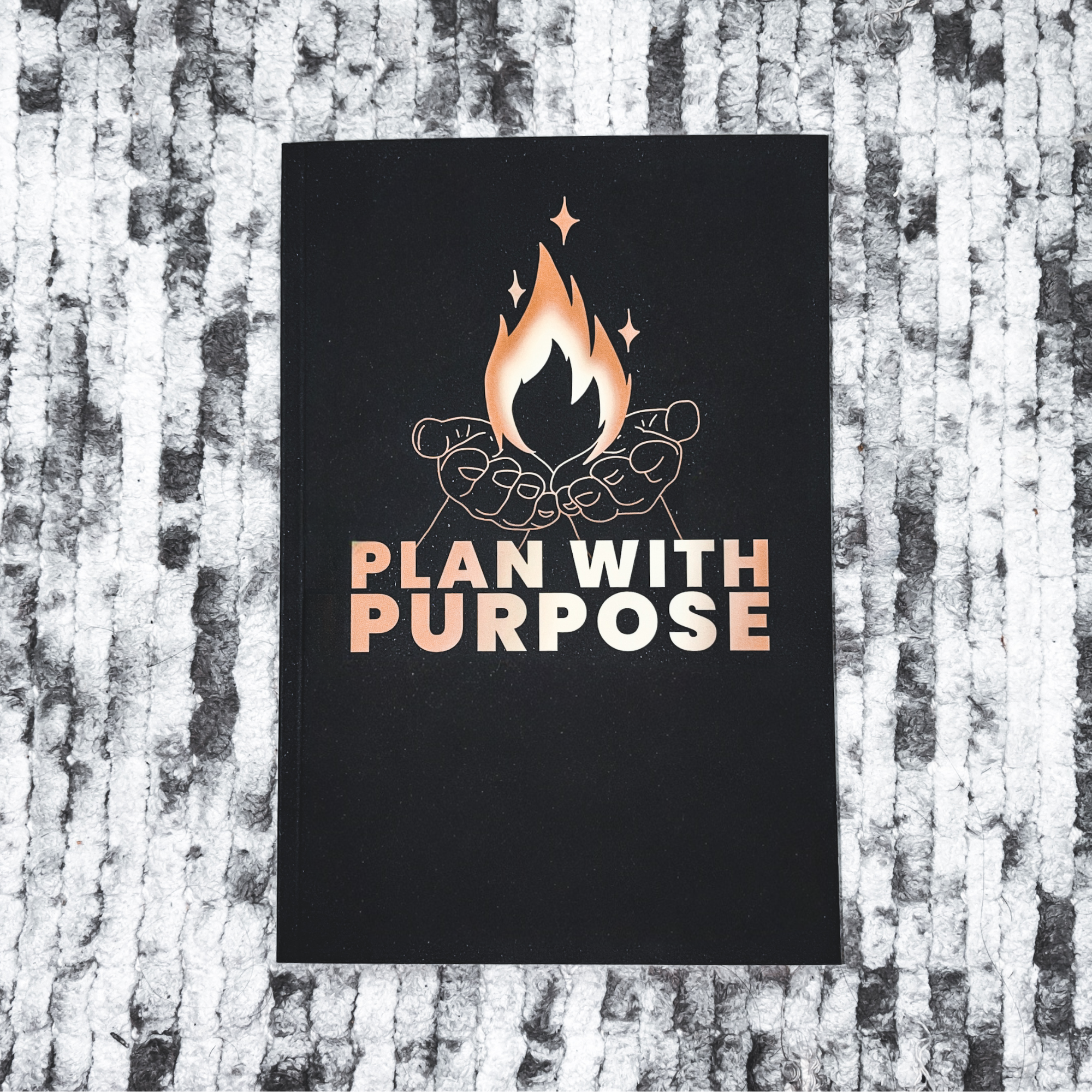
You can purchase the Artist of Life workbook by Lavendaire here, use code DREAMLIKEDIANA10 for 10% off your purchase!
All photographs are original works taken and created by dreamlikediana. All artwork and content are protected by copyright law. Reproduction or distribution without express written permission is strictly prohibited. ©DREAMLIKEDIANA - All Rights Reserved
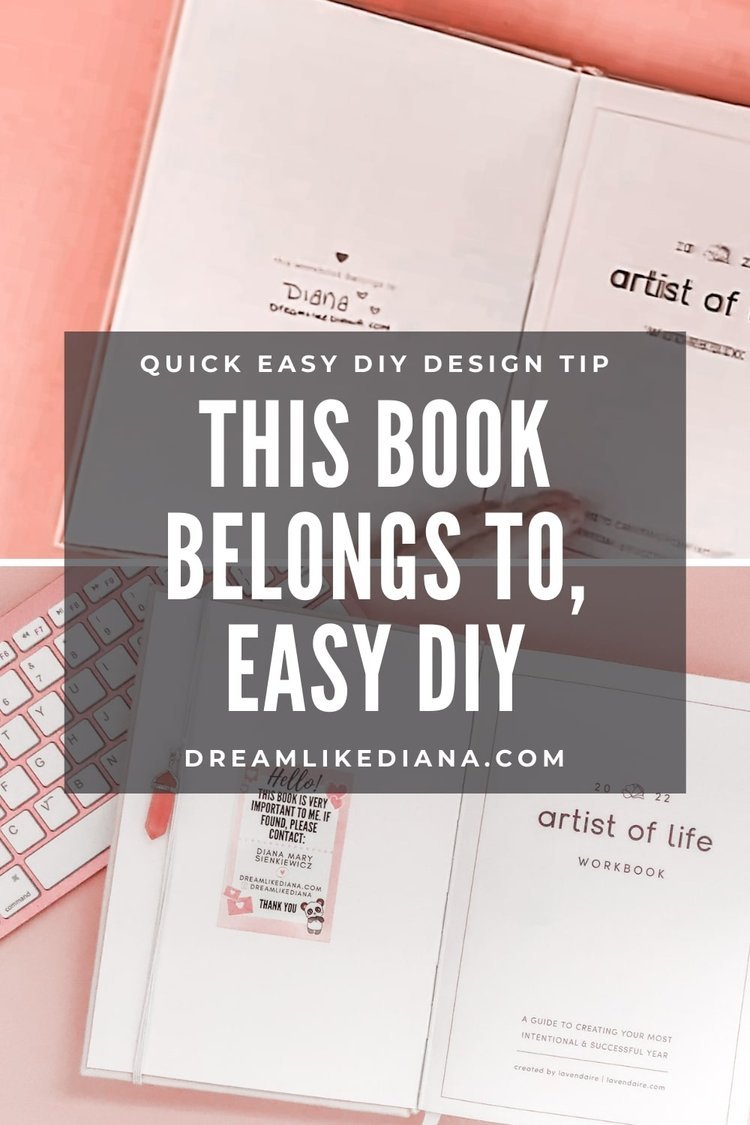
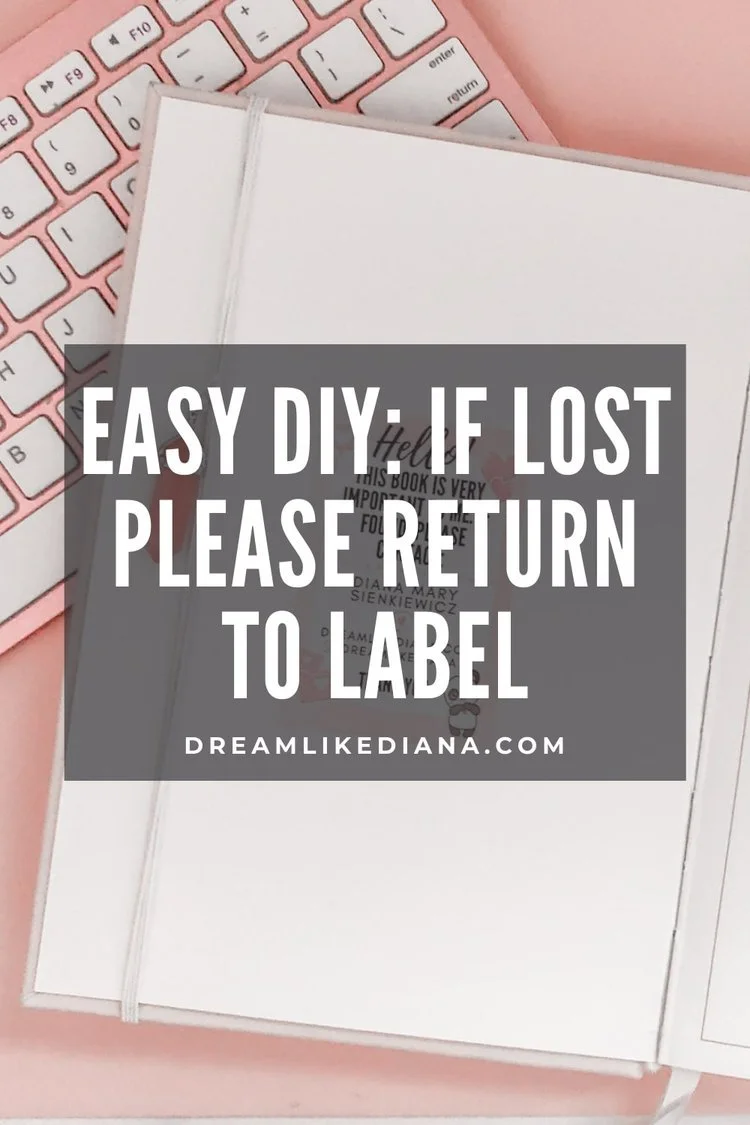
I wish I had a before photo! I didn't think of taking one because who does? Nonetheless, I don't know why I didn't think of this sooner. I've always been one to make my own, "If found, please return to" or "This book belongs to" labels and inserts. This DIY always takes me less than 5 minutes to do! And always comes out so cute!
Just a heads-up: None of my blog posts are not sponsored! Every post is honest and straight from the heart, sharing information and value that I believe could genuinely benefit you. This post does include affiliate links, which means I might earn a small commission if you make a purchase (at no extra cost to you!). Want to know more about the brands I’m affiliated with? Click here to learn more! 😊Difficulty: Easy

💖 Psst... I also run a small art shop! If you love cute, useful things like stickers, journals, or creative tools—check out what’s new in my store.
What you need
Canva
A Bluetooth printer or any printer to be exact, but I like to use my HP Sprocket because it's so quick and it's a sticker already!
How to do this DIY
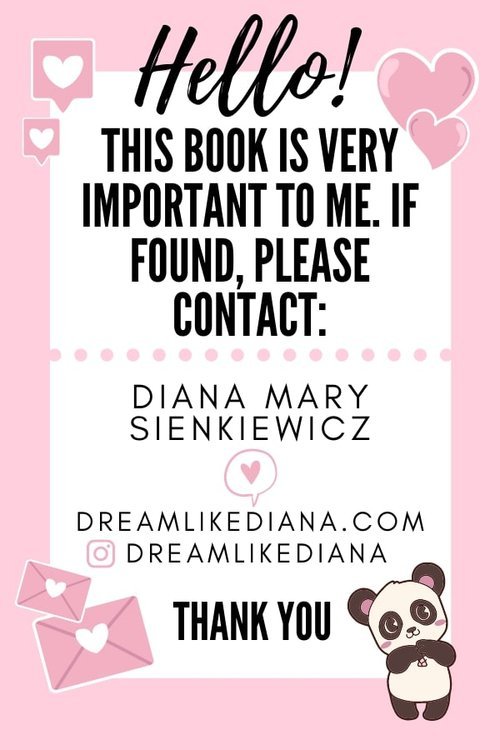
Open canva.com if you don't have an account make one, it's free! Find the "Custom Size" option on the website or app, and change the format to inches.
Type in 2 inches in width
Type in 3 inches in height
NOTE: If you have a Bluetooth printer that uses different dimensions enter those instead!
Find a free template you like. Or play around and make your own. Save as a PNG. Upload the file to Google Drive, Dropbox, or where ever you store graphics in their original format or you can email it yourself. Open the graphic and download it onto your phone or tablet, whichever is linked to your Bluetooth printer.
Open the image on your Bluetooth printer's app and print
Peel off the backing, and stick it in!
And wallah!! You have your custom "if found, please return to" label.
How to do this DIY without a Bluetooth Printer
You can still do this DIY without a Bluetooth printer! All you need is a printer and Canva, but the dimensions are entirely up to you! You can stick to 2x3 or move up to 4x6.
Once you save it, you want to print it at 100% so it's printing the exact size you put into the dimensions you wanted. If it doesn't print at 100%, it'll skew and distort your image.
Then all you need is a glue stick, tape, washi tape, or even double-sided tape to insert your new, "If found, please return to" label!
Till next time!
~Diana
Liked this post? You can support me on:
FREEBIES | AFFILIATES | YOUTUBE | & MORE